Select the Portfolio Image Link Behavior
Choose how the Portfolio Image will behave on click.
 Written by RockyThemes
Using the Theme Options interface we can choose how the Portfolio Image link will behave when users will click on it.
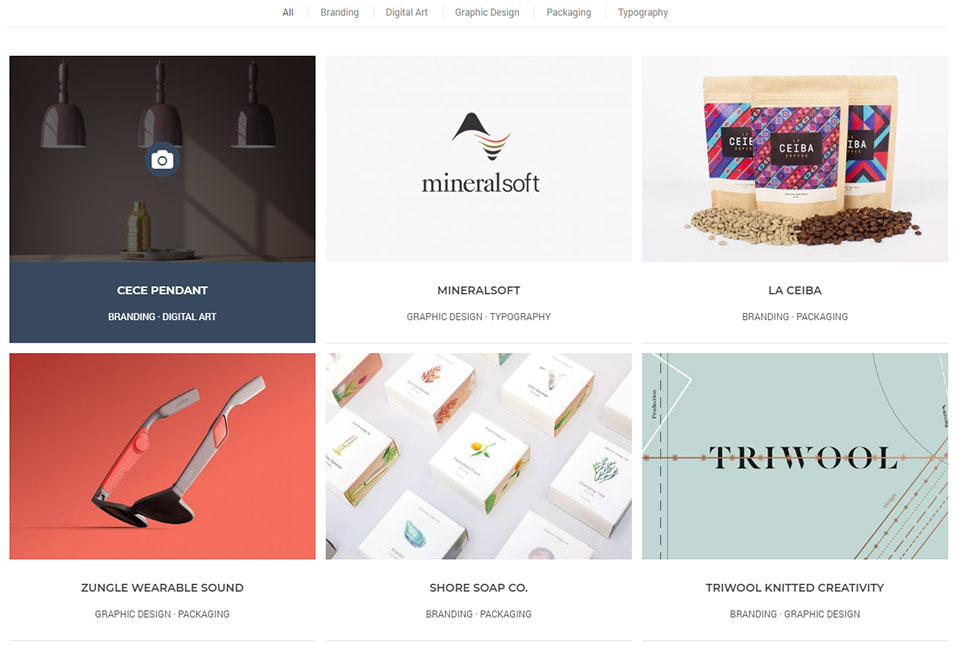
By default, when users will hover and click on a Portfolio item, inside a Portfolio Page template or generated by the Portfolio element of the Page Builder, the bigger version of the Portfolio Image will be opened in a nice pop-up effect.
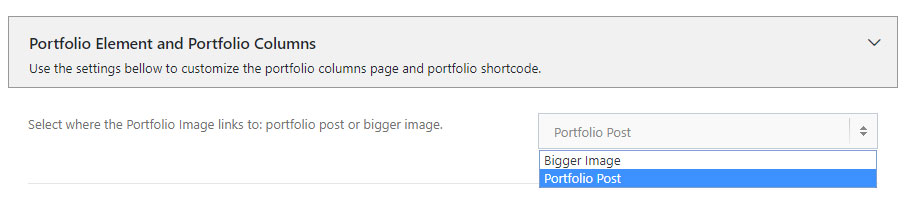
However we can choose for the image to link directly to the Portfolio post landing page, instead of opening the Featured Image.
To do this, navigate to Theme Options -> Portfolio Options -> Portfolio Element and Portfolio Columns -> Select where the Portfolio Image links to -> and choose Portfolio Post instead of Bigger Image option.