How to Edit the Top Bar Social Media Icons
Changing the Social Media Icons.
 Written by RockyThemes
The Social Media icons that appear in the Top Bar area are generated based on the info entered for each social media profile under Theme Options -> Social Media -> Social Media Profiles
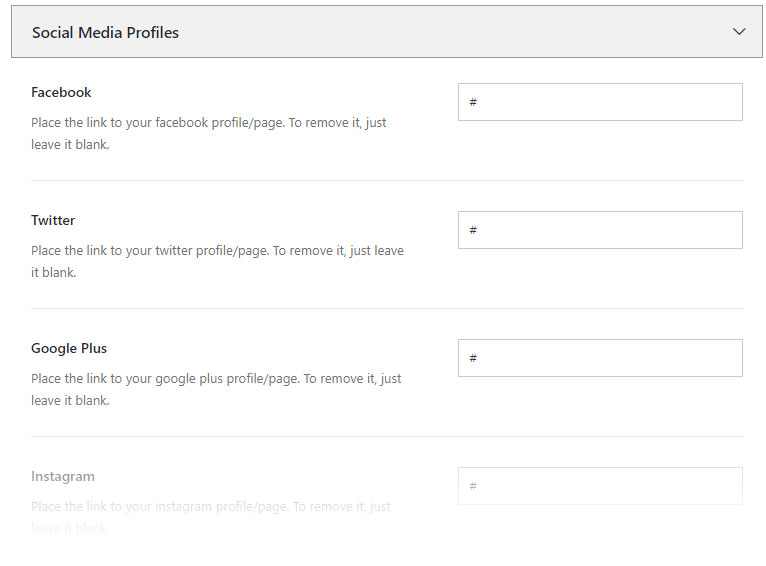
Each profile that has a link will generated the corresponding Social Media icon. Leave blank for fields that you don’t want to use and enter your own urls to the social media profiles. Make sure to also include the https:// protocol.
For example: https://facebook.com/rockythemes – this is an example of how the Facebook profile link should look like. Do the same for yours.