Changing the Post Excerpt with Post Content on Archive Pages
Displaying Full Post Content instead of Post Excerpt on Archive pages
 Written by RockyThemes
By default, the post excerpt will be shown on archive pages, but this can be changed to show the entire post content.
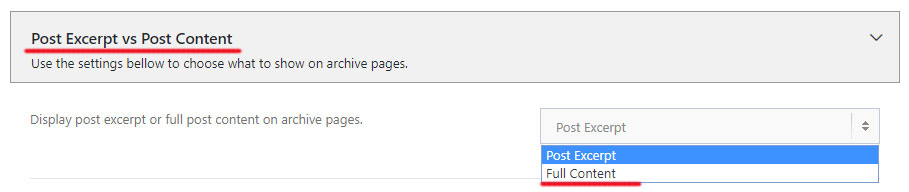
To do this, navigate to Theme Options -> Blog Options -> Post Excerpt vs Post Content -> Display post excerpt or full post content on archive pages -> and choose Full Content.
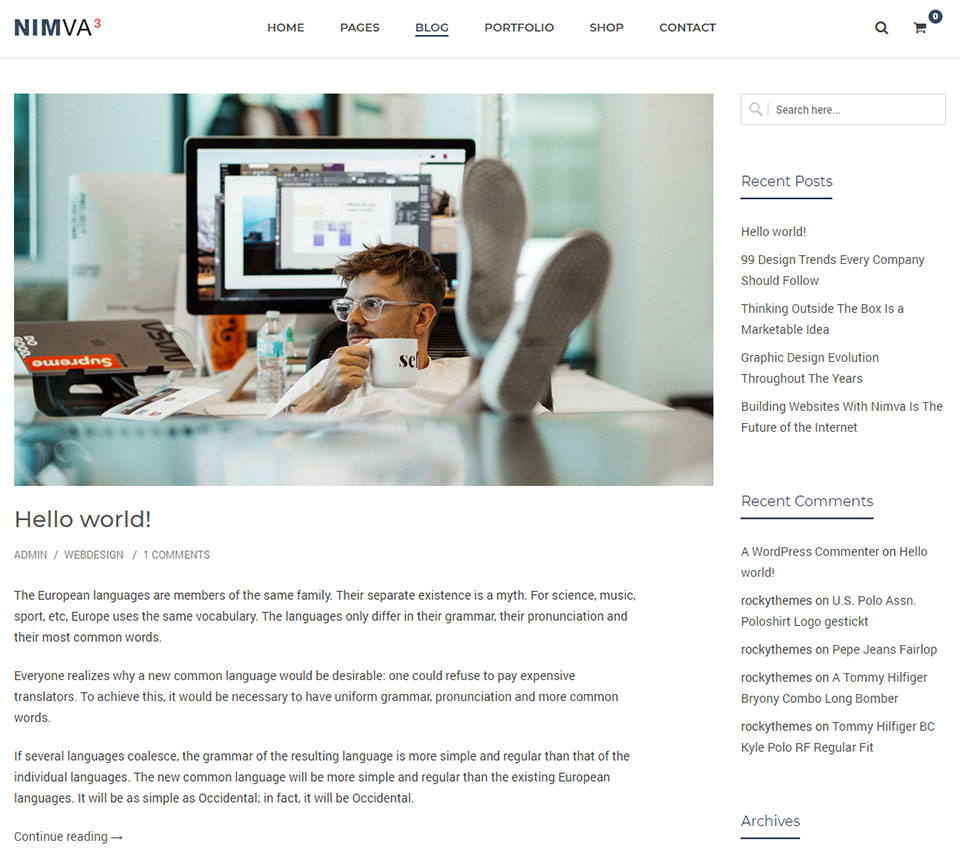
This will create archive pages with the entire content of the post being displayed on the page, similar to the image below: