Setting a Favicon
Creating and setting up a Favicon
 Written by RockyThemes
To setup your own Favicon, go to Theme Options -> Logo -> Favicon.
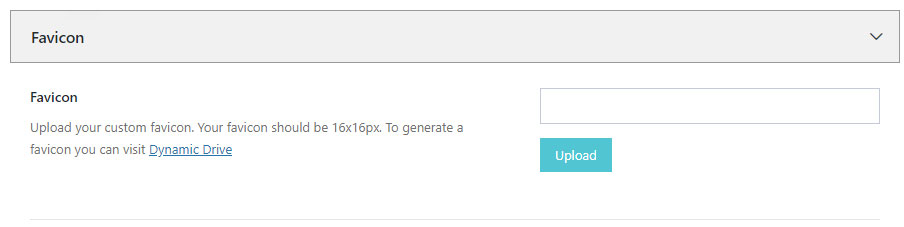
Your favicon should be 16×16 and generated correctly, using an online service like Dynamic Drive or your own Image editing Software.
Once the favicon file .ico has been generated, upload it and hit Save All Changes button