How to Enable/Disable the Portfolio Project Details
Disable the Project Details using the Theme Options interface in Nimva 3
 Written by RockyThemes
By default, the Portfolio Details will be used on each single Portfolio Post. Depending on the type of website you are building, you may want to disable the use of Portfolio Details completely.
To do this, navigate to Theme Options -> Portfolio Options -> Single Portfolio Page -> Enable Project Details -> and set this option to Off.

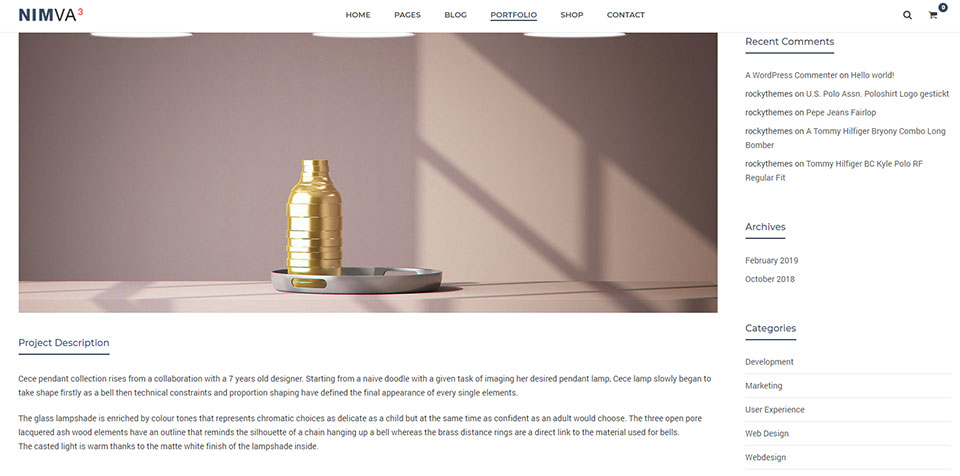
View one of your Portfolio post and you should see something similar to: