Display Posts only from a certain Category
Showing posts from a specific category using the Advanced Customization section.
 Written by RockyThemes
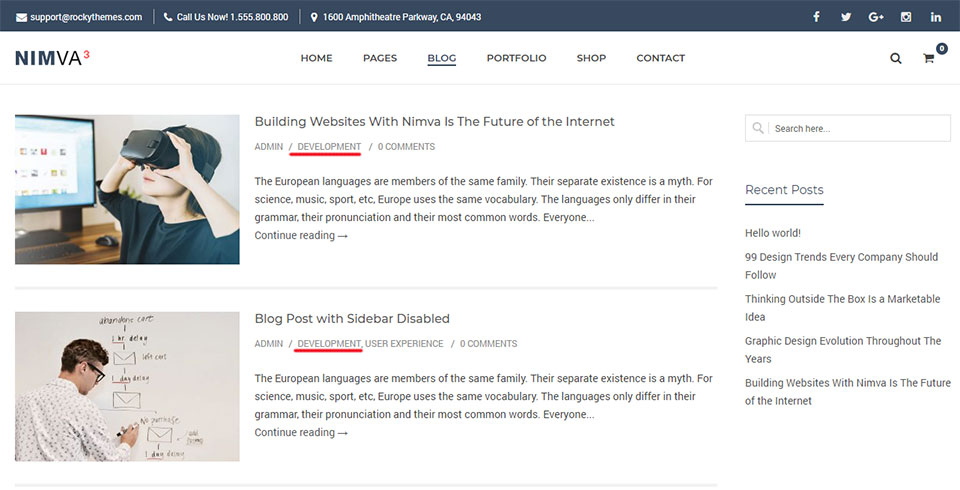
When creating a Blog page using the Blog Page templates, we can also choose to display posts only from a certain category.
To do this, edit your current Blog page or create a new Blog page, set a Blog Template and then scroll down below the content area until the Advanced Customization box appears.
Under General Settings -> Posts Category choose the category you want to display posts from.

Update the page and view your page in your browser.
Depending on the Blog Page Template being used, only posts from the selected category will be shown.