Customizing the Category Description
Changing the design of the Category Description on Archive pages.
 Written by RockyThemes
To customize the Category Description, we must first enable the Category Description option by navigating to Theme Options -> Blog Options -> Archive Page -> Category Description -> and set the option to On, if it’s not already turned on.
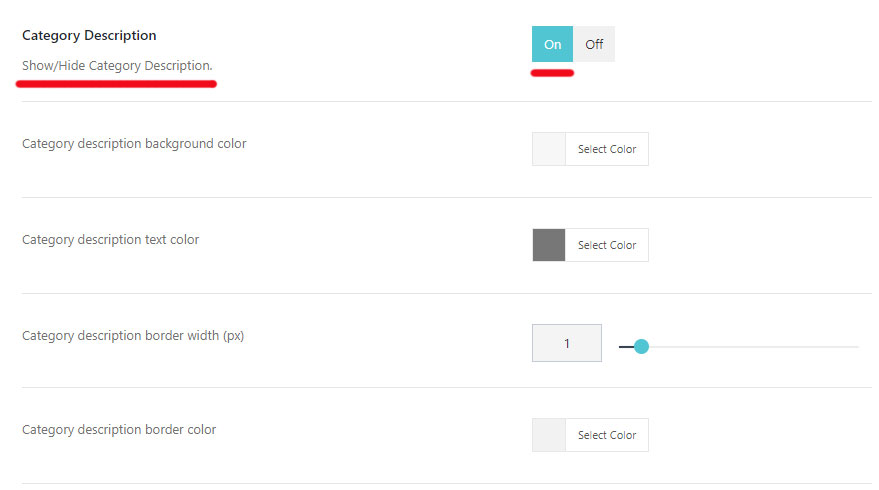
This will allow the description of each category to be displayed on individual Category pages.
For the category description to appear, we must enter a description for each category. Go to your WordPress dashboard -> Posts -> Categories and edit or create a category.
Under the description textarea, add your own description text for that category.
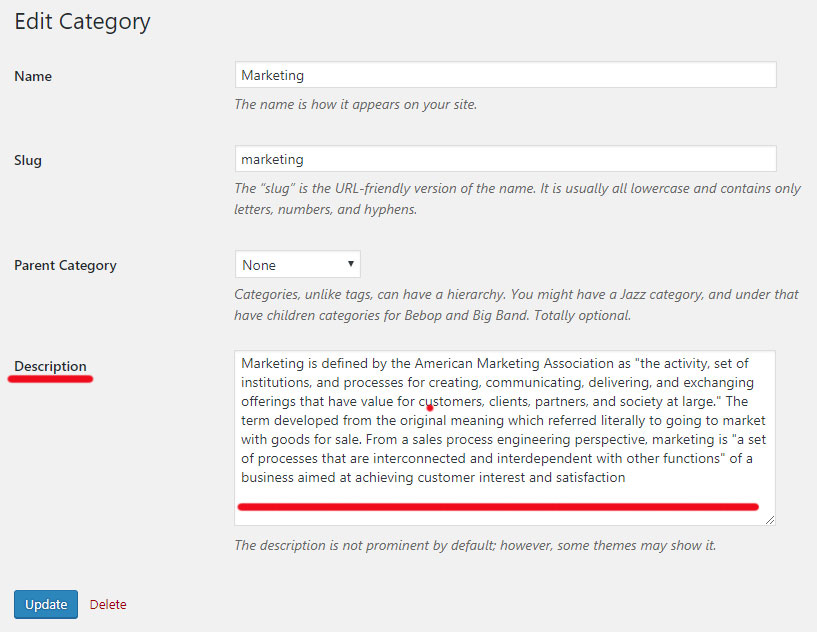
Hit the Update button and the new description will appear on the Marketing category, similar to the example below:
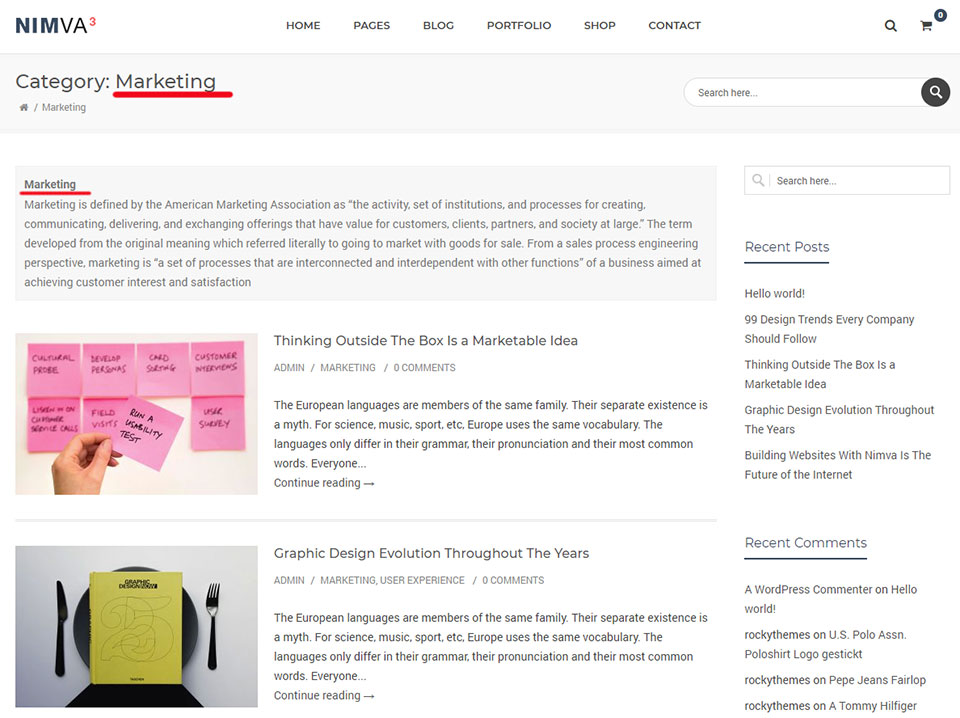
Customize the design of the Category Description by using the options under: Theme Options -> Blog Options -> Category Description:
- Category description background color
- Category description text color
- Category description border width (px)
- Category description border color