Choosing a Blog Post Design
Change the Blog Post design in Nimva 3
 Written by RockyThemes
Choosing a Blog Post layout can be done globally, for all the posts on your site, by navigating to Theme Options -> Blog Options -> Single Post Page -> Single Post Page design -> and select the design layout from the dropdown box.

Experiment with all layouts or preview each layout directly on our Nimva 3 site:
- Style 1 – preview here
- Style 2 – preview here
- Style 3 – preview here

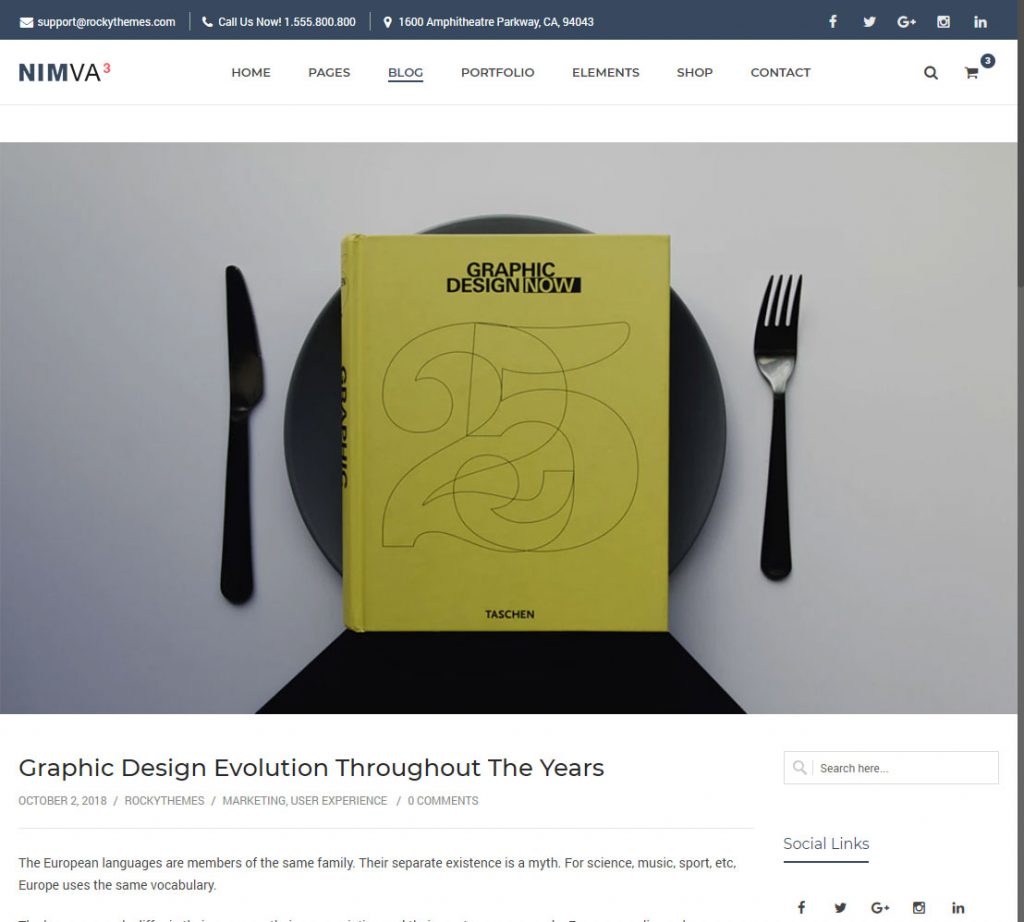

Choosing a Blog Post Layout for a certain Post
In Nimva 3 we also added the possibility to select a blog post layout for a certain post, which will only affect that post, instead of the globally setting set under Theme Options -> Blog Options -> Single Post Page section.
To do this, edit one of the existing posts or create a new post.
Scroll down below the content area until the Advanced Customization box appears.
Under General Options -> Post Page Design -> choose the style you want to use for this specific post and update your post.
