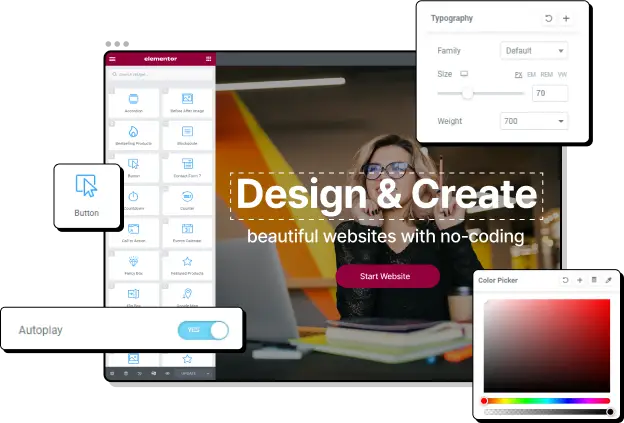

Do you want to customize your WordPress site? Elementor and WPBakery are the two most popular WordPress page builders you can use to create custom pages and design your website exactly the way you want it to look.
In this article, we’ll compare WPBakery vs. Elementor to help you choose the page builder that is best for your website.
What are Elementor and WPBakery?
Elementor and WPBakery are both WordPress page builders. WordPress page builders are plugins or theme components that enable users to structure and design responsive pages with minimal time and technical knowledge. You can use a page builder to select, rearrange and style your site exactly the way you want.
You can use a page builder to add blog posts and images, pick pre-built modules (known as blocks) from a list, customize modules or use pre-built layout templates and themes.
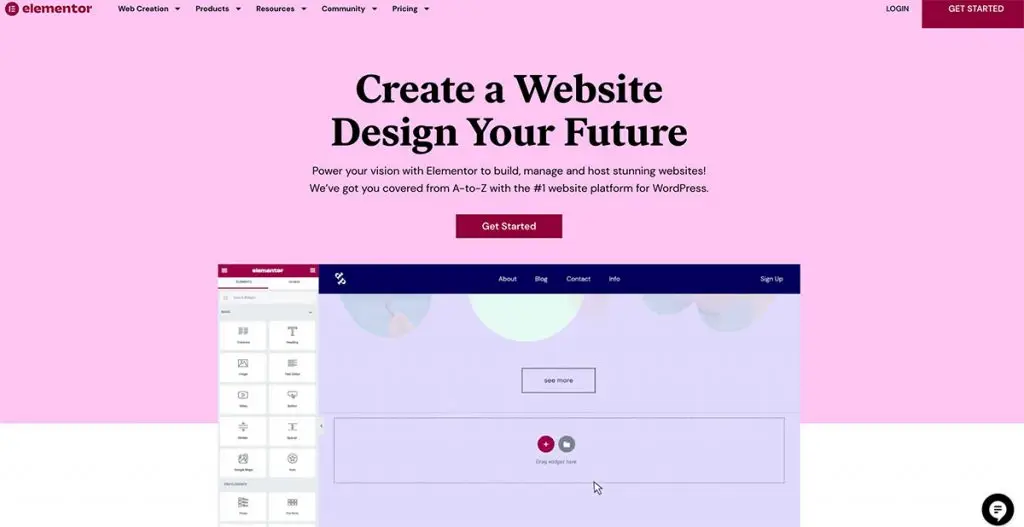
Elementor is one of the most popular website builders in the world. It’s the 6th most used plugin in the WordPress ecosystem, with 5 million active installs. It’s an open-sourced platform that powers more than one million websites, which is 7% of all websites in the world!
Elementor is known for its simple and highly intuitive Drag and Drop Live Editor, which enables you to create your site in real-time directly on the front end of the site. The page builder also lets you set up the responsive design on your site, so it looks great on mobile or desktop devices.
Elementor offers nearly limitless site or custom page designing opportunities through hundreds of widgets, an extensive template library, and more.
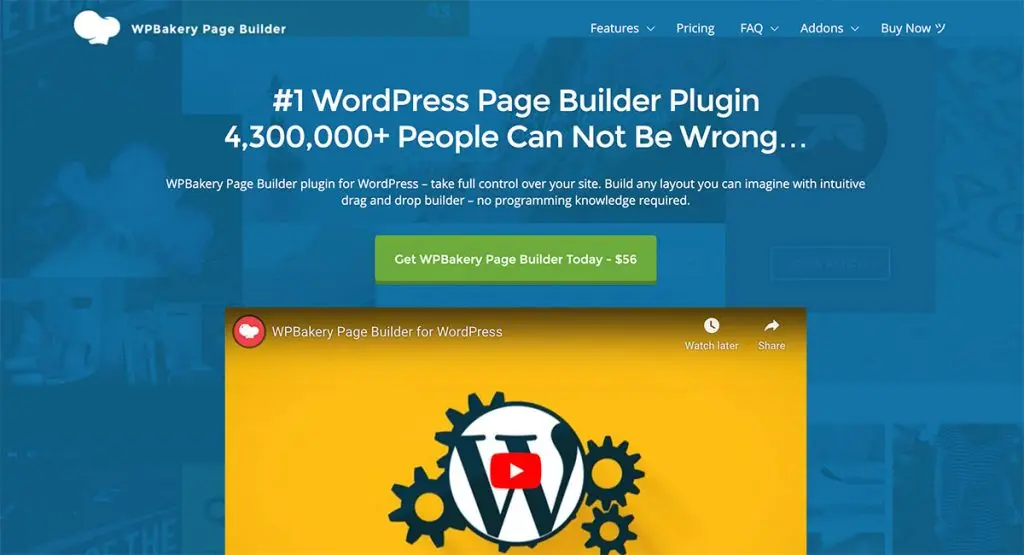
WPBakery is another popular option, boasting over 4 million active installs. Like Elementor, it has a drag-and-drop editor that works on both the front and back end of your WordPress site. WPBakery calls this their “What You See is What You Get Editor” because you’ll know exactly how your site is going to look before you push any changes live.
WPBakery, formerly known as Visual Composer, it is one of the first WordPress page builders released. You can use WPBakery to create unique-looking pages using content building blocks to compile your page layouts.
The WordPress page builder contains more than 50 content elements, including social media buttons, text blocks, carousels, and charts. It’s available as a plugin, and the entire progress is extremely easy, even without any knowledge of HTML or coding.
WPBakery vs. Elementor: A Comparison
If you are looking at WordPress page builders, both Elementor and WPBakery are probably already on your radar. But which one is best? It’s really a matter of comparing the two in-depth and examining the various criteria you need to consider when choosing a WordPress page builder.
Let’s dive into our comparison of WPBakery vs. Elementor:
Which is easier to use?
Elementor
Elementor has a very simple user interface. All of the elements you need to design your page layout and contents are neatly arranged on the left sidebar. You can simply drag and drop these elements directly onto the page. Live editing makes it easy to design your website in real-time.
There are more than 300 designer-made templates to get you started, all of which can be tweaked to your liking, so you don’t need to build your design from scratch. You can also set global designs to reuse across your site and save widgets as your favorites. It’s very easy to navigate between all of your page elements.
Using Elementor’s Navigator tool, you can move across or along page elements. You can also quickly view custom changes using indicators.
You can also quickly undo or redo mistakes, which comes in handy if you’ve accidentally deleted something.
Overall, Elementor is extremely intuitive and easy to use, even if you are an absolute beginner without any HTML knowledge whatsoever.
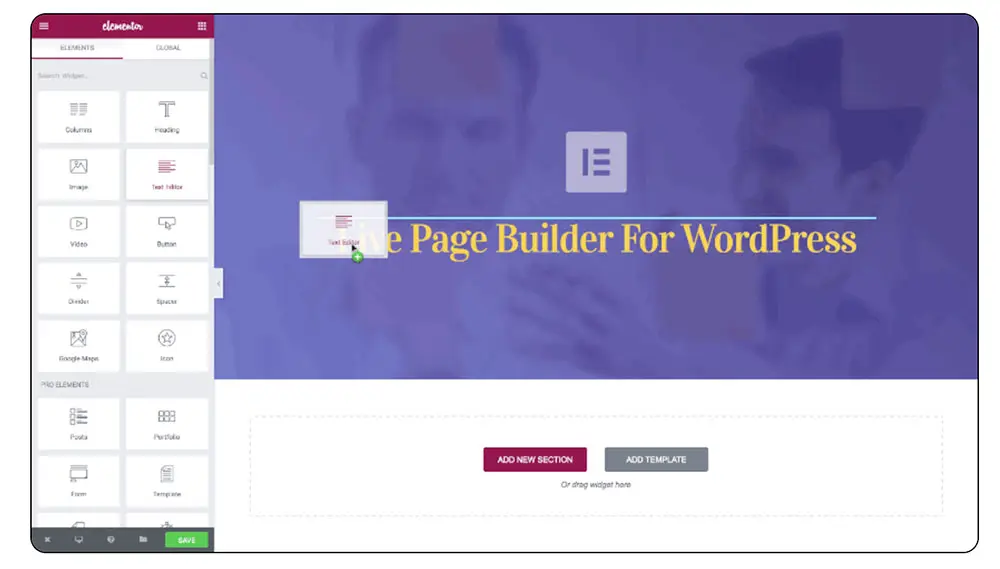
There are more than 300 designer-made templates to get you started, all of which can be tweaked to your liking, so you don’t need to build your design from scratch. You can also set global designs to reuse across your site and save widgets as your favorites. It’s very easy to navigate between all of your page elements.
Using Elementor’s Navigator tool, you can move across or along page elements. You can also quickly view custom changes using indicators.
You can also quickly undo or redo mistakes, which comes in handy if you’ve accidentally deleted something.
Overall, Elementor is extremely intuitive and easy to use, even if you are an absolute beginner without any HTML knowledge whatsoever.
WPBakery
WPBakery’s frontend editor is a little more cumbersome than Elementor. It doesn’t support inline editing, which means that all elements need to be accessed through a pop-up. On the other hand, the inclusion of a backend editor is a bonus if you are more used to creating websites that way.
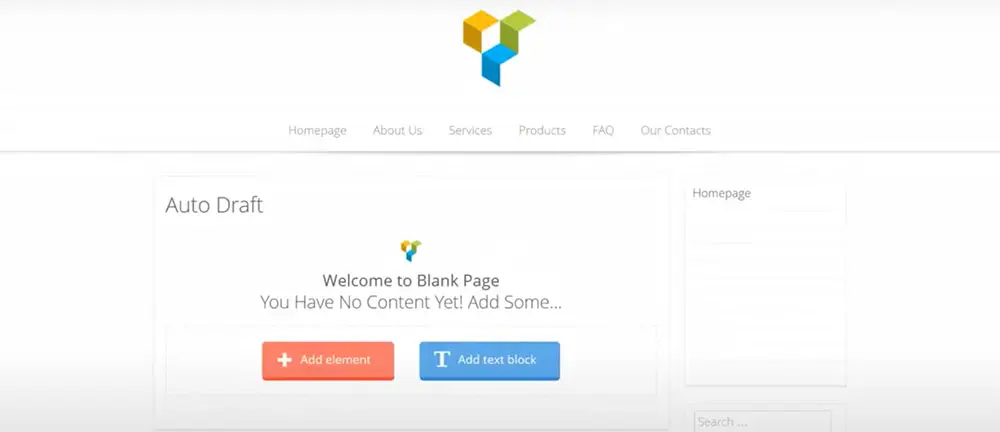
Like Elementor, there is a huge library of templates you can use as a basis for your web design. WPBakery is compatible with every WordPress theme but, like Elementor, performs best on a theme that specifically integrates with it.
The plugin will recognize your previous content and wrap it into a WPBakery-friendly format automatically. If there are any custom shortcodes you already use, you can turn these into a content element using WPBakery’s Shortcode Mapper.
Which has more customization options?
Elementor
Elementor has over 100 widgets that you can use to customize your site. It’s important to bear in mind that some of these are Pro widgets, so you’ll need to buy the Pro plugin to access all of them. Having said that, 40 of the widget are available for free, which is more than enough to create a complete page if you don’t want to upgrade. These widgets are intended for your pages, theme, and even your WooCommerce store.
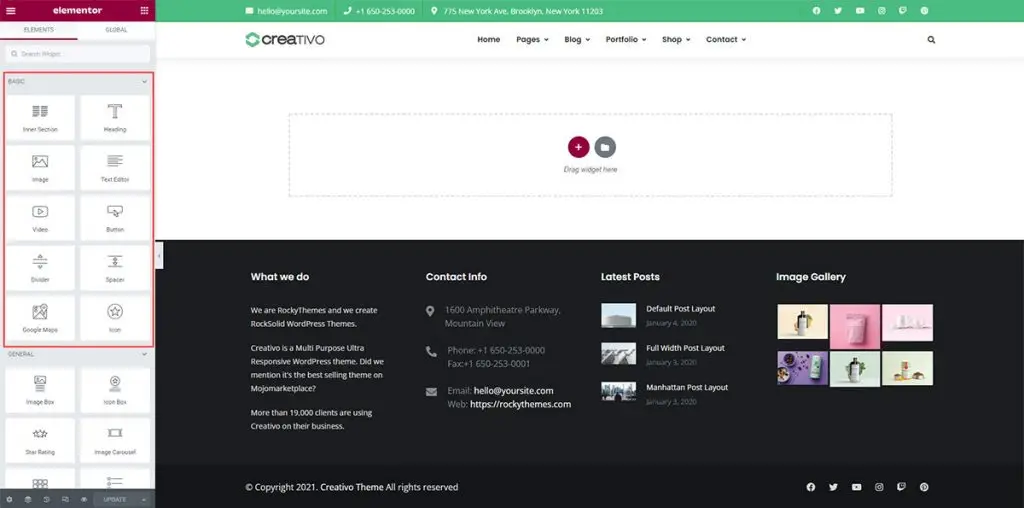
If you’re a bit more technical, you can use Elementor’s Advanced Web Creation features that include dynamic content, custom layouts, and more.
As we’ve already mentioned, there are more than 300 beautiful templates to choose from, applicable to almost every niche, and you can customize these easily according to your preference. Just about every element of the page is modifiable, so you can change your template from header to footer, including changing the color, background, padding, dividers, animations, and margins.
WPBakery
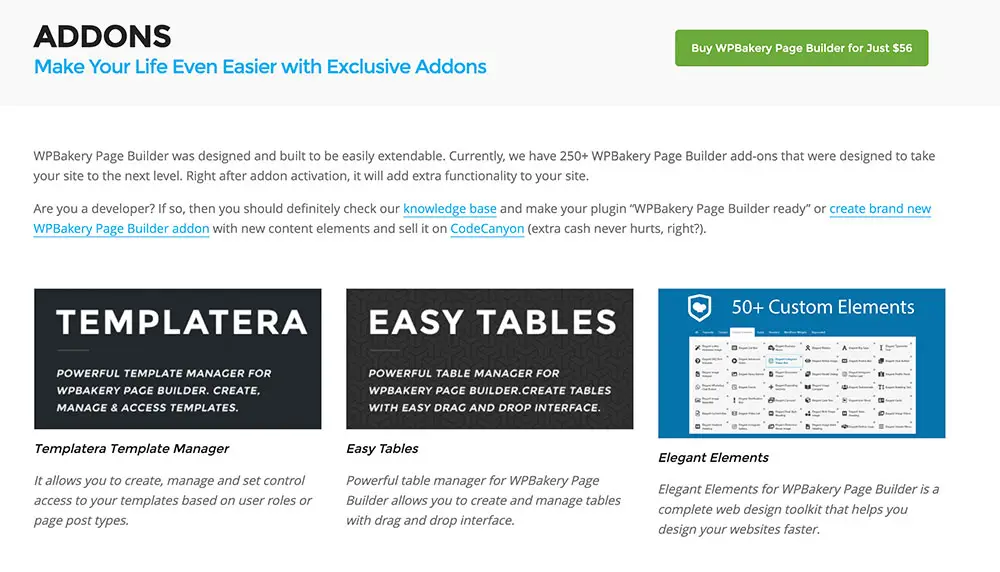
WPBakery has 50+ content elements built into the plugin, but there are an additional 250+ add-ons that you can use to make your page builder even more powerful. There are all of the essential features you need from a WordPress page builder, including custom fonts and shape dividers that can be used to customize margins, backgrounds, and animations. This can feel a little overwhelming, but it certainly doesn’t limit your creativity.
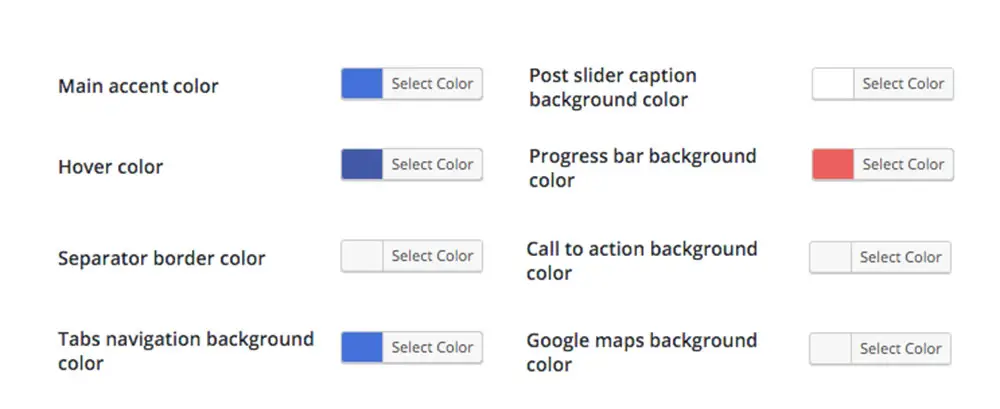
You can use the Skin Builder to create a website that matches your brand identity to the exact color, and the Advanced Grid Builder, which allows you to display posts, media, and custom post types in an enticing way.
Which has more integrations?
Elementor
Elementor comes with extensive integrations with marketing tools, WordPress plugins, social networks, and more. Some of the best-known integrations are Hubspot, MailChimp, Slack, Drip, Zapier, Facebook, reCaptcha, Discord, and Custom Icon Libraries. These third-party integrations can really help extend your site.

WPBakery
WPBakery’s integrations come by way of the 250+ add-ons we spoke about earlier. Many of these add-ons are made exclusively for WPBakery. Some of them extend the functionality of your site by adding pricing tables or animated image banners, while others let you integrate with third-party entities like MailChimp and Gravity Forms.
Which has better pricing?
Elementor
Most people can easily get by with the free version of Elementor. You can download the free version from the WordPress repository. The Pro plan starts at $49 per year, which gives you access to the Pro features.
The Expert plan starts at $199 per year, which enables you to build up to 25 websites. For a professional business, there is a Studio plan at $499 per year that lets you build up to 100 websites and an Agency plan that takes that up to 1000 websites for $999 per year.
Elementor comes with a web hosting plan, complete with a website builder, priced at $99 per year, that comes with SSL, automatic updates, and 20GB storage.
WPBakery
WPBakery does not have a free version, but the website builder is available for just $56. However, it can get more expensive depending on how many add-ons you want to include. There’s also an Extended Plan at $299 for use on a single SaaS application.
The real benefit of WPBakery is its one-time payment system, which means that it comes with lifelong free updates.
When comparing WPBakery vs. Elementor, Elementor is best if you are looking for a free product that has all of the important features you need. However, WPBakery’s one-time payment option is highly convenient and comes with many unique features that might give it an edge, despite the extra cost.
Which is Better, Elementor or WPBakery?
Now that we’ve compared WPBakery vs. Elementor, you can review both plugins to see which will work best for your needs. To recap, WPBakery has more elements than Elementor. There is a huge range of blocks (many of which do not require extensions), and each element can be customized via pre-built templates or your site-building process. On the downside, this can feel overwhelming, and you are often locked into a mess of shortcodes, which can lead to lagging on your backend.
Elementor has a better user interface, and we much prefer the style choices. It’s faster and more intuitive through its inline editing tools when compared with WPBakery.
Best of all, you can access most of its functionality by just using the free plugin. If we had to choose, we’d recommend Elementor.
Choosing the Right WordPress Theme for Elementor and WPBakery
Whether you choose Elementor or WPBakery, you’ll need a WordPress theme that looks great. Don’t just for just any theme, and try to fix it up with the page builder – it’s just not worth the effort, and the end result will probably leave a lot to be desired. There are several themes designed to integrate with either page builder or both.

Creativo is a highly-rated WordPress theme used by more than 20,000 people. It comes with 23 pre-built websites that you can customize using your WordPress page builder. Creativo integrates with both Elementor and WPBakery, so no matter which page builder you choose, it’ll be a perfect match.
Creativo and Elementor
You don’t need to buy Elementor Pro if you want to use the Creativo theme. Creativo comes with more than fifty exclusive Elementor elements, known as Creativo Elements.
Explain that users don’t need to get Elementor Pro if they want to use the Creativo theme. Creativo comes with 50+ exclusive Elementor elements called Creativo Elements.
Creativo has a Blog Builder that uses the free version of Elementor. This lets you create custom blog post layouts and assign them based on categories, tags, and authors. It’s perfect for your food or lifestyle blog or if you just want to create a basic website with CMS elements.
Creativo and WPBakery
The big advantage to using WPBakery with Creativo is that WPBakery is included for free when you buy Creativo, so you don’t need to buy the plugin separately. WPBakery is fully supported in Creativo, and you have access to all its features.
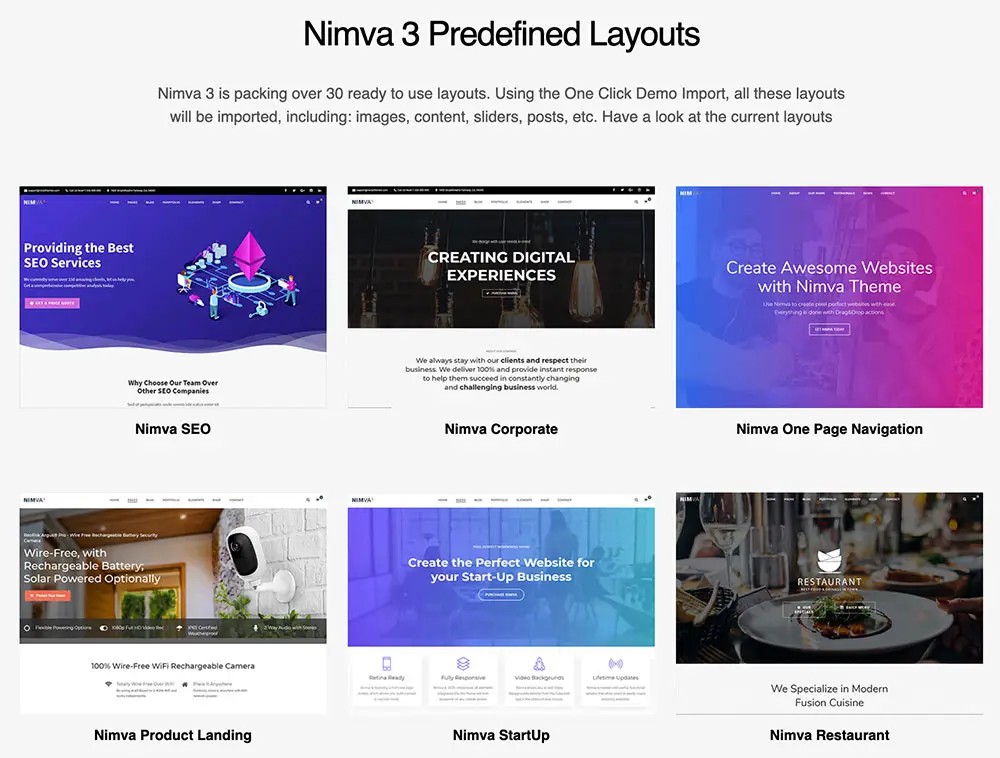
If Creativo doesn’t strike your fancy, you could try the multi-purpose Nimva theme. Nimva doesn’t work with Elementor, but it has more than ninety customization blocks that work well with WPBakery. The designs are slightly more formal, which may be more appealing to some.
Build Your Site with Elementor or WPBakery
Both Elementor and WPBakery are popular WP page builders that can help you design great-looking sites. We prefer Elementor, but either one could work well for your specific needs. Whichever page builder you choose, choosing the right WordPress theme from the start lays a solid foundation for your site that will make using your page builder even easier.
We highly recommend using Creativo, a great theme that integrates with both Elementor and WPBakery. Get Creativo today to start building your dream website with your preferred page builder.