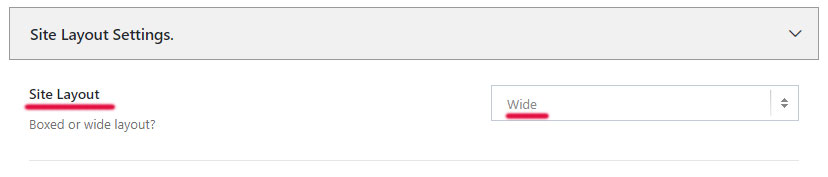
Nivma allows you to switch between Wide and Boxed layouts by navigating to Theme Options -> Background -> Site Layouts Settings -> Site Layout
By default, the Site Layout will be set to Wide. Use the dropdown select box to change the layout to Boxed if needed.
We can also set individual layouts only for certain posts, pages, portfolio items.
Try editing or creating a new page, using the default WordPress editor and scroll down below the content area until you find the Advanced Customization box.
Under General Options -> Page Layout -> choose the layout you want to use for that specific page/post/portfolio item and update your page.
 Written by RockyThemes