
Are you looking for the best parallax scrolling WordPress themes for your website? Parallax is a popular effect that can be used in different ways to make your site stand out from the competition.
Parallax scrolling is an advanced web design technique where different layers move at different speeds, creating an illusion of depth when users scroll down the page. It’s an eye-catching and popular website design trend that adds depth and dimension to your website.
You can add parallax to your WordPress website by using a theme that enables it. Fortunately, there are many WordPress parallax themes available. In this post, we’ll look at the top WordPress themes you can use to add parallax effects to your website. Read on to discover the best one for your site.
Should You Use Parallax Effects on Your Website?
Parallax is used on websites across different industries. Gucci famously used parallax effects for their 2018 Spring Summer campaign, a collaboration with artist Ignasi Monreal that felt like an art exhibition.

You don’t need to be a high-end brand to wow your audience with your site design. Any business can use parallax to showcase products and services in a way that tells a story and helps the audience navigate the content easily. This scrolling technique will create the illusion of depth on a webpage by making your background images move slower than the foreground images.
A 2015 study by the Journal of User Experience found that parallax websites are more fun for users. If you have a fun website, you can engage and retain users for a longer time on your site.
Additionally, when you use parallax scrolling, the direction of your page flows naturally toward your call to action (CTA), which increases the chances of your visitors clicking it.
That said, you don’t need to use parallax throughout your website because it can be overstimulating for your visitors. The same study found that some users have been found to experience motion sickness with parallax. So rather than overdoing it, you should use this effect to accentuate pages that require more attention, like landing pages, home pages, or longer pages.
The 12 Best WordPress Parallax Themes for 2026
Using any of the themes in our top 12 list, you’ll be able to achieve an awesome parallax effect on your WordPress site. We’ll mention our favorite themes at the end, though we’ll go over the unique features that each theme offers so that you can make the right decision for your needs.
We’ve included themes that will make your website look great, regardless of whether you use the parallax effect or not, and allow drag-and-drop design with page builders like Elementor. This gives you more flexibility to customize your site so you can edit parallax effects and see how they look in real-time.
1. Creativo by RockyThemes

Creativo is a theme that supports parallax layouts and video backgrounds for a visual effect on the reader. The theme is appreciated by its users for its ease of use, flexibility, and personalized support that solves problems quickly.
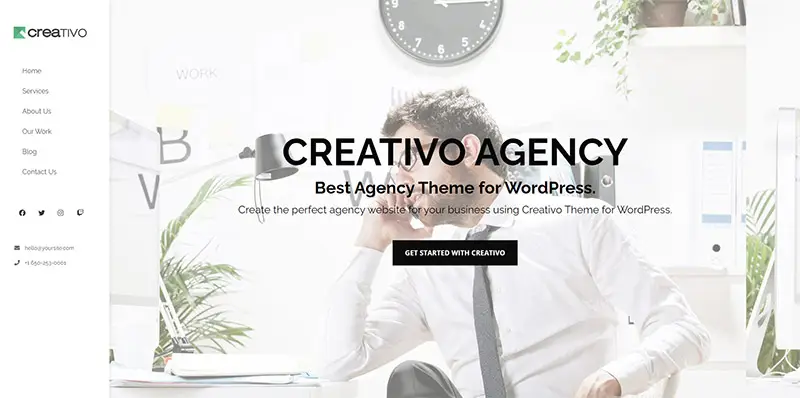
Creativo has 26 pre-built websites you can apply to any business, from consulting to eCommerce, freelance portfolios, and more. Parallax can also be enabled on all these sites.
Creating a parallax effect is pretty easy using Elelmentor editor on Creativo:
- Select an existing section or add a new section to the page.
- Edit the section and navigate to the Style tab.
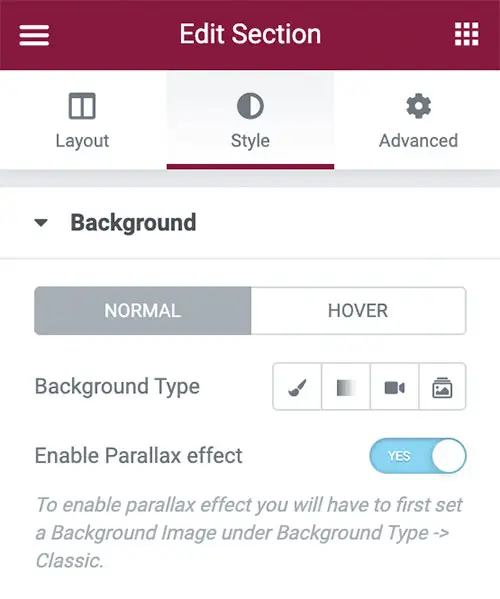
- Under Background, specify an image to be the background of the section. Ensure that the image is bigger than the height of the section it’s covering.
- Set the Position to Top Center.
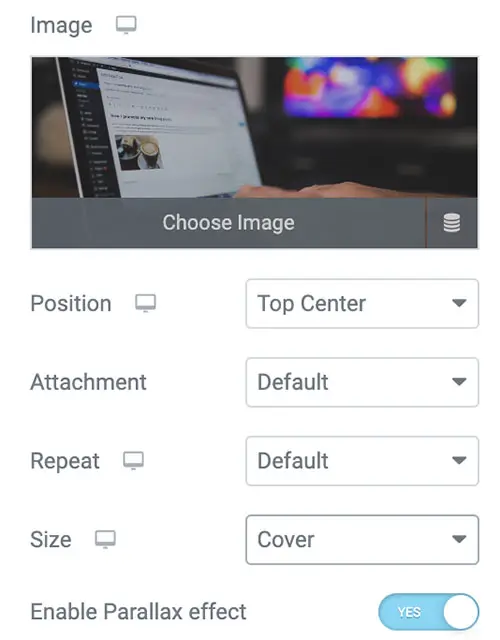
- Under Size, select Cover.
- Keep Attachment and Repeat as Default.
- Set the Enable Parallax effect option as Yes.
- Update your page.
Creativo integrates seamlessly with Elementor and offers more than 50 additional widgets called Creativo Elements for maximum page customization.
It also has more than 200 templates to make customization of your new website much simpler, more intuitive, and less like guesswork. With templates, you don’t need to customize every intricate detail of your design; you can simply change the necessary bits to keep your site on brand while giving it the clean look of a pre-built page.
Creativo fully integrates with WooCommerce, which allows you to create an engaging eCommerce store very easily.
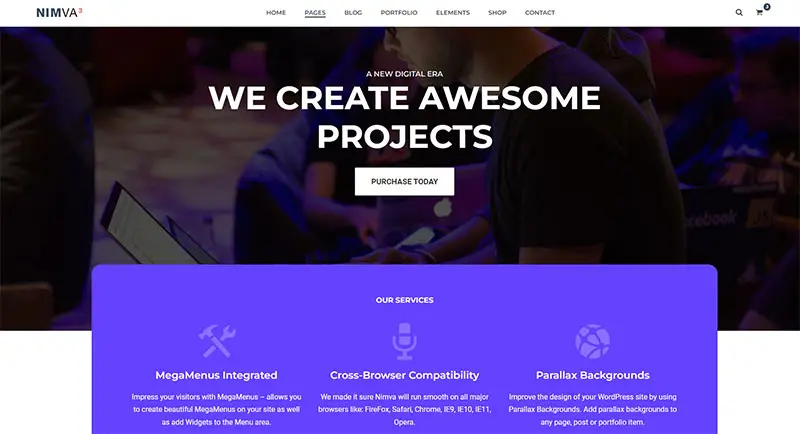
2. Nimva by RockyThemes
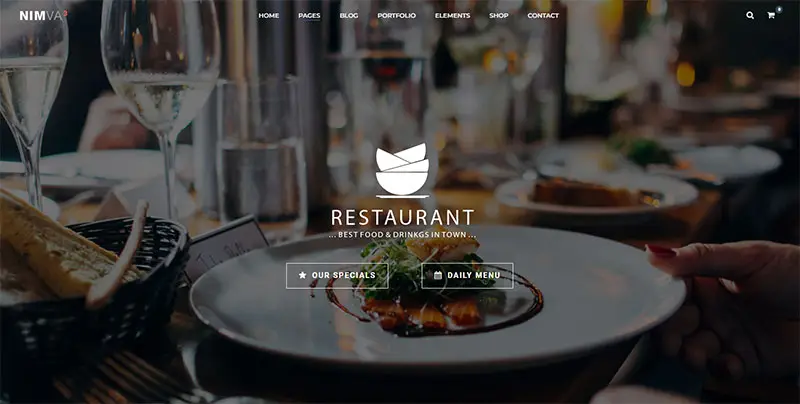
Nimva is a responsive WordPress theme suited for simpler website designs. However, you still get lots of flexibility to customize your site with 30 ready-to-use layouts and 90 drag-and-drop elements.

Here are a few more excellent features you get with Nimva:
- Seven header layouts: You can set each header layout for the entire site or individually for each post, page, or portfolio item created. All header layouts can also be set as Sticky to follow the user as they scroll up and down the page.
- Compatible with WooCommerce: Nimva works flawlessly with the latest WooCommerce version, allowing you to build a professional eCommerce site.
- Great blogging layouts: Nimva offers several layouts for personal and professional blogs.
- Adequate documentation and great support: Rocky Themes has created comprehensive online documentation for Nimva to acquaint you with the theme. It also has video tutorials, live chat, and a forum.
Nimva also supports parallax, and it is quite easy to set up using the frontend editor:
- Hover your mouse over the Row element, which will have the parallax effect.
- Click the Edit Row button (it’s the pencil icon.)
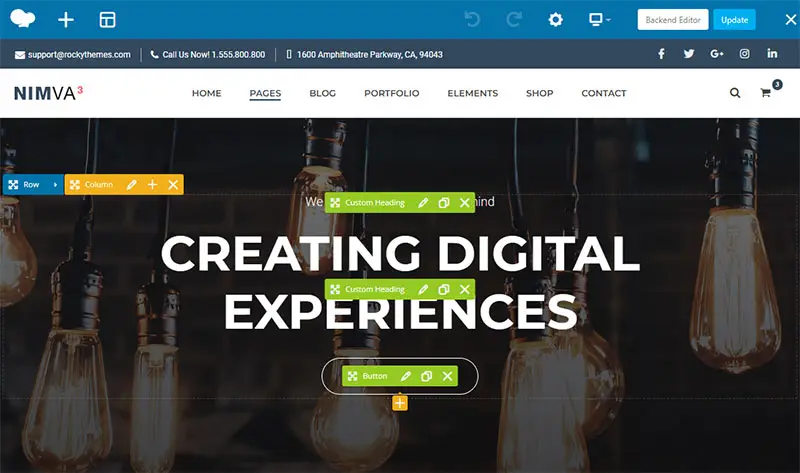
- In the new popup window, navigate to the Design Options tab and ensure you set a background image by clicking the + sign.
- The resolution of the background image is recommended to be at least 1900x800px.
- Next, go to the parallax tab.
- Change the Enable Parallax effect option to On and click Save Changes.
- Update your page.
3. One Page Pro by GoodLayers
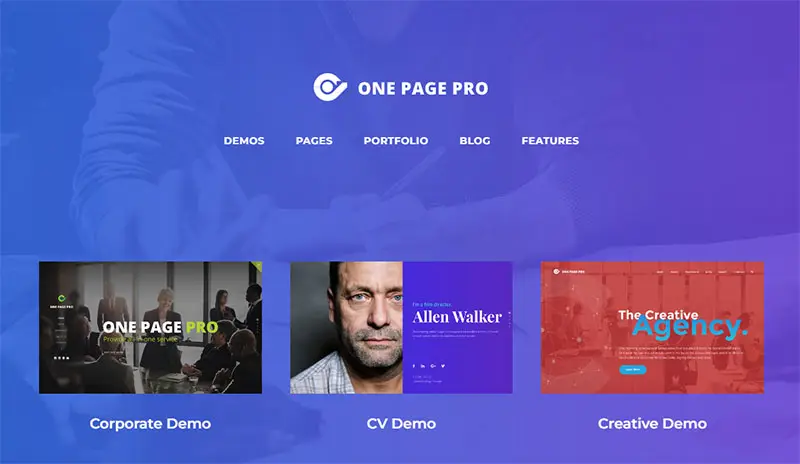
One Page Pro is a one-page WordPress theme that allows several parallax backdrop images and sliders. It’s suitable for many kinds of business, whether financial, corporate, designer, creative agency, or even a CV/resume website.
The theme also has its own page builder, which can be a disadvantage if you want to work with page builders you’re already familiar with. It also has only three demo options, 14 blog layouts, nine portfolio layouts, and six gallery layouts.
One Page Pro fully supports WooCommerce and enables floating menus. It also has a portfolio section.
4. NowaDays by Like-A-Pro
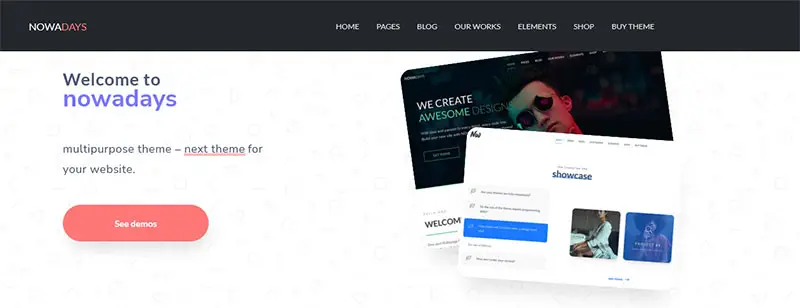
NowaDays is a multi/one-page multipurpose WordPress theme that you can use to create an agency, creative, portfolio, blog, or any other type of site to promote your product or service. It comes with the Unyson drag-and-drop page builder with over 40 customizable elements. You can add Parallax to your theme using the Unyson builder.
However, users tend to prefer Elementor over Unyson because Elementor offers the best value for money and is also easier to use, making it better for beginners.
Some of its other key features include:
- One-click Demo content installation with more than 25 designed layouts.
- More than 800 Google fonts.
- Vector icons, which means your site will look good across all devices.
- Custom scroll for browsers with unappealing scrolling.
- Left/Right side mobile menu.
- Optimized code with minimum dependencies.
- Online documentation.
5. Divi by Elegant Themes

Divi is a multipurpose theme you can use on any type of WordPress site. It is design-focused and best suited for those who prefer a hands-on website design approach.
Some of its core features include:
- Thousands of layouts.
- A built-in drag-and-drop content editor (although this can be less convenient than using a plugin like Elementor).
- Split testing content optimization tool.
- A Global Modules feature that allows anything you create in the Divi Builder to be saved for use throughout your site.
- A leads optimization tool.
- Detailed online documentation.
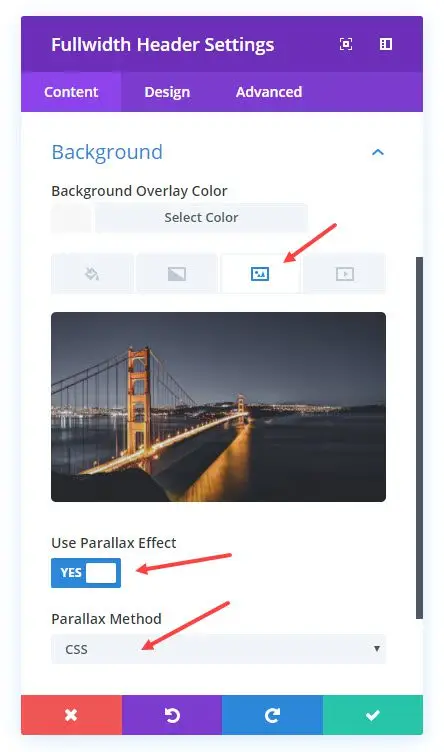
Divi also allows you to add parallax effects to any image on any section of your site. You can pick from one of their parallax demonstrations and create your own parallax effect, even with video backdrops.
6. Neve
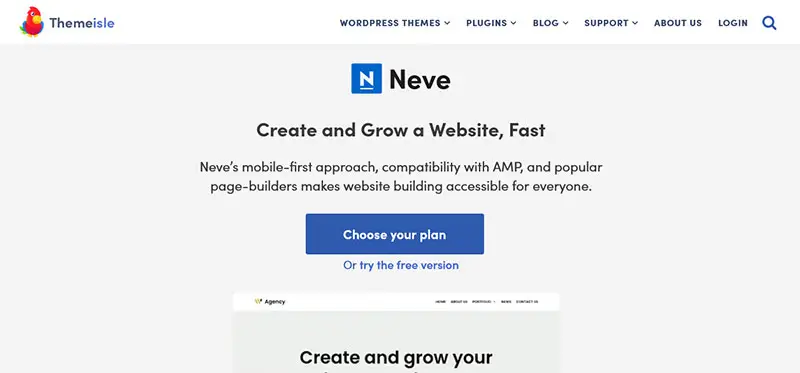
Neve allows you to create multiple color palettes and then apply them everywhere, so you can create consistent designs across your site. It also provides blog and custom layouts to customize your pages.
Some of its other features include:
- Importable demo websites.
- Header and footer builder.
- Designed with a focus on lightness and performance.
- Multiple layout options.
- Support for WooCommerce.
- Support for Adobe Typekit fonts making it easier for branding uniformity and design.

Neve Pro also includes the Elementor Booster module, which lets you go beyond the basic Elementor widgets with seven premium widgets, content protection, animations, and more. You can also add parallax effects with Elementor booster, just like with the basic version.
7. Ronneby
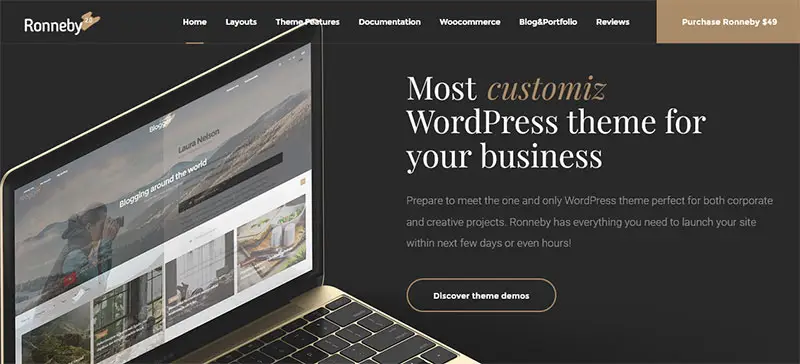
Ronneby is a multipurpose WordPress theme for businesses, bloggers, creatives, and more. The theme has over 40 demo options and a robust admin panel.
The theme also has other key features, including:
- 14 customizable header styles.
- WooCommerce full compatibility.
- Multilingual support.
- A huge number of shortcodes that make it simple to customize and add functionality to your site when it comes to design.
- An integrated page builder (WPBakery page builder.)

With the integrated builder, you can enable the content parallax effect. You can also set the parallax speed and the parallax shift limit.
8. Uncode by Undsgn
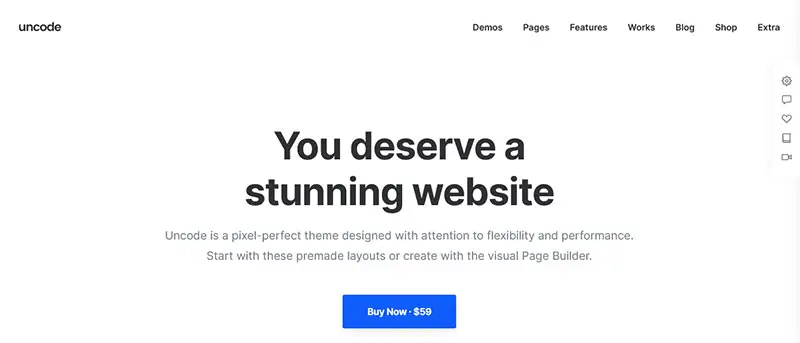
Uncode is a multipurpose WordPress theme for a wide range of sites. The theme has a front-end page builder that lets you see your edits and tweaks in real-time.
Uncode’s WooCommerce builder is also quite popular with people who build e-commerce sites. You can easily design pixel-perfect product listings and the main shop page without coding.
Other features include:
- Content block: This allows you to create a section and share it across different pages.
- Slides scroll: This lets you change a one-page website into an appealing page with transitions.
- Multilingual support: Uncode is WPML multilingual certified.
- Unlimited filters for products to help categorize products.
- Modern product builder layouts: These give your eCommerce site a modern feel.
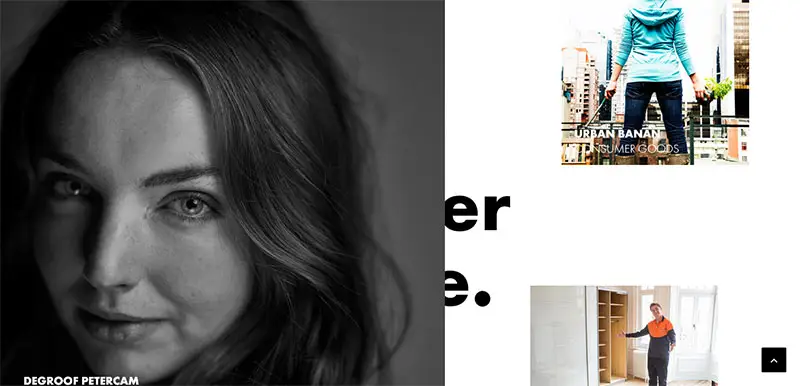
The site also lets you add parallax effects to any section of any page of your website.
9. Parallax by Themify

As the name suggests, Parallax is a parallax-focused one-page WordPress theme. While the theme is simple, it comes with useful features like WPML compatibility, which can come in handy in translating your website, although you can still achieve it without the manual work required by WPML with a tool like Weglot.
Parallax has more than 60 predesigned layouts and 11 header and page styles. It also allows for infinite scroll or page number navigation. With infinite scroll, you can set the page to load automatically or add a “load more” button manually. You can choose to have either an infinite scroll or the traditional page number navigation.
In addition, Parallax by Themify has other cool features like:
- Image filters.
- Animated progress bars.
- Grid and list layouts.
- Responsive on all devices.
10. Corpus by Euthemians

Corpus is a multipurpose theme website that goes for a clean design where less is more. It comes with Visual Composer which gives you total control over your posts, pages, and portfolio items. It also allows you to add parallax effects to any section of your site.
Other features include:
- Live color customizer so you can see how the changes you make affect your website.
- Stretched or boxed layout.
- Responsive design.
- Retina ready, which means your site will look sharp on high-pixel-density devices.
- Multiple footer layout.
However, the builder can result in issues when updating because you have to update the whole theme to get the latest page builder version.
11. Jack Ryan by MadSparro
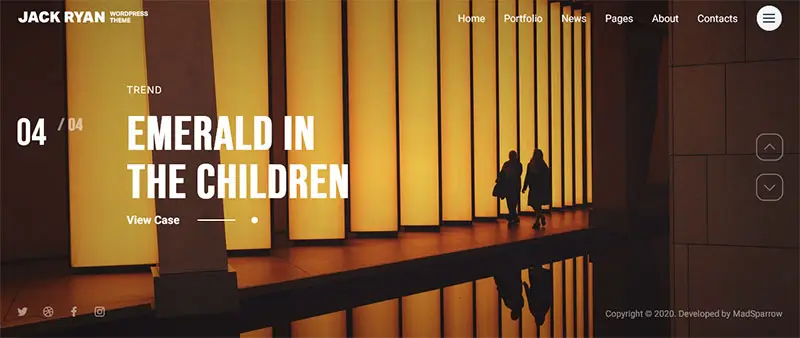
Jack Ryan is a multipurpose WordPress theme with over 900 Google fonts. It is also translation and WPML ready.
The theme has an intuitive design and offers a one-click demo import. The online video documentation gives you the basics of interacting with Jack Ryan.
Parallax support is also available from the v.1.0.1 version of the theme. It is easy to use as a portfolio with several styles to choose from as well as title overlays on which you can use parallax to give dimension.
12. Fildisi by Euthemians
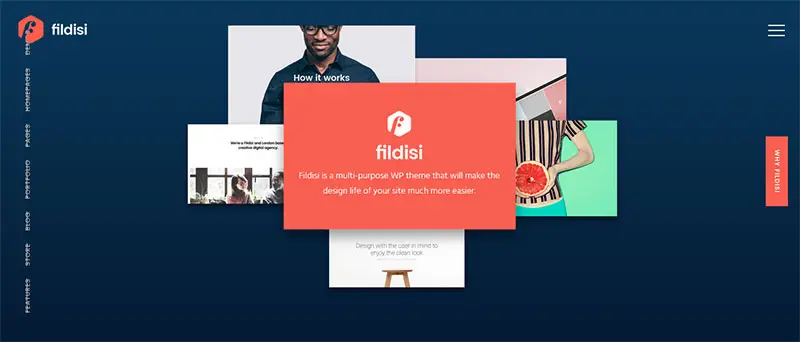
Fildisi is a multipurpose parallax WordPress theme. It’s simple enough that it can be applied to eCommerce, blogs, portfolios, and other types of websites. It has multiple page layouts and supports WooCommerce.
The theme comes bundled with Visual Composer and Revolution Slider. These plugins help create different types of parallax effects on any section of your site, whether you want them vertical, horizontal, or animated.
To expand Fildisi’s functionality, as with other themes, you simply need to find compatible plugins like MailChimp and Events Calendar.
Why Creativo Is The Best Theme Parallax Theme
While each of the themes in our list has its strengths, Creativo is our top choice overall. To begin with, Creativo is easy to use, flexible and offers superb support. With Creativo, you also get really solid pre-built sites/templates to work with, and you can easily enable parallax using Elementor.
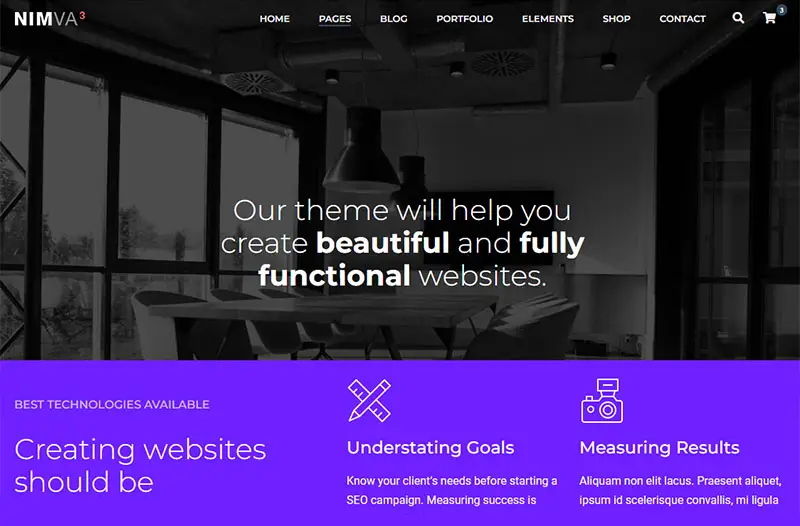
Nimva is also a solid parallax theme for a few reasons. Not only does it have 30 ready-to-use layouts, but it also has 90 drag-and-drop elements. Additionally, it has seven header layouts and full WooCommerce support for professional eCommerce WordPress sites. To top it off, it also has detailed online documentation and great support in the form of live chat and a forum.
Create Your Parallax Site with Creativo Today
Implementing a parallax effect on your site makes it more engaging, which makes it more likely that you’ll retain your visitors for a longer period. You can also use parallax effects to showcase your products or services through a story and lead your site visitors to your CTA.
Using a theme is beneficial to your site because apart from adding parallax effects, it will make your site look more appealing on mobile. It is especially important to use a theme if you want to implement parallax effects because drag-and-drop design with plugins like Elementor will allow you to see how your parallax effects look as you edit them.
If you are looking for a parallax theme for your website, Creativo is the best option because it’s easy to use, and has numerous advanced features. Additionally, Creativo integrates seamlessly with Elementor and offers more than 50 additional widgets called Creativo Elements for maximum page customization.
Choose the Creativo plan that’s best for you, and start adding parallax effects to your site today!